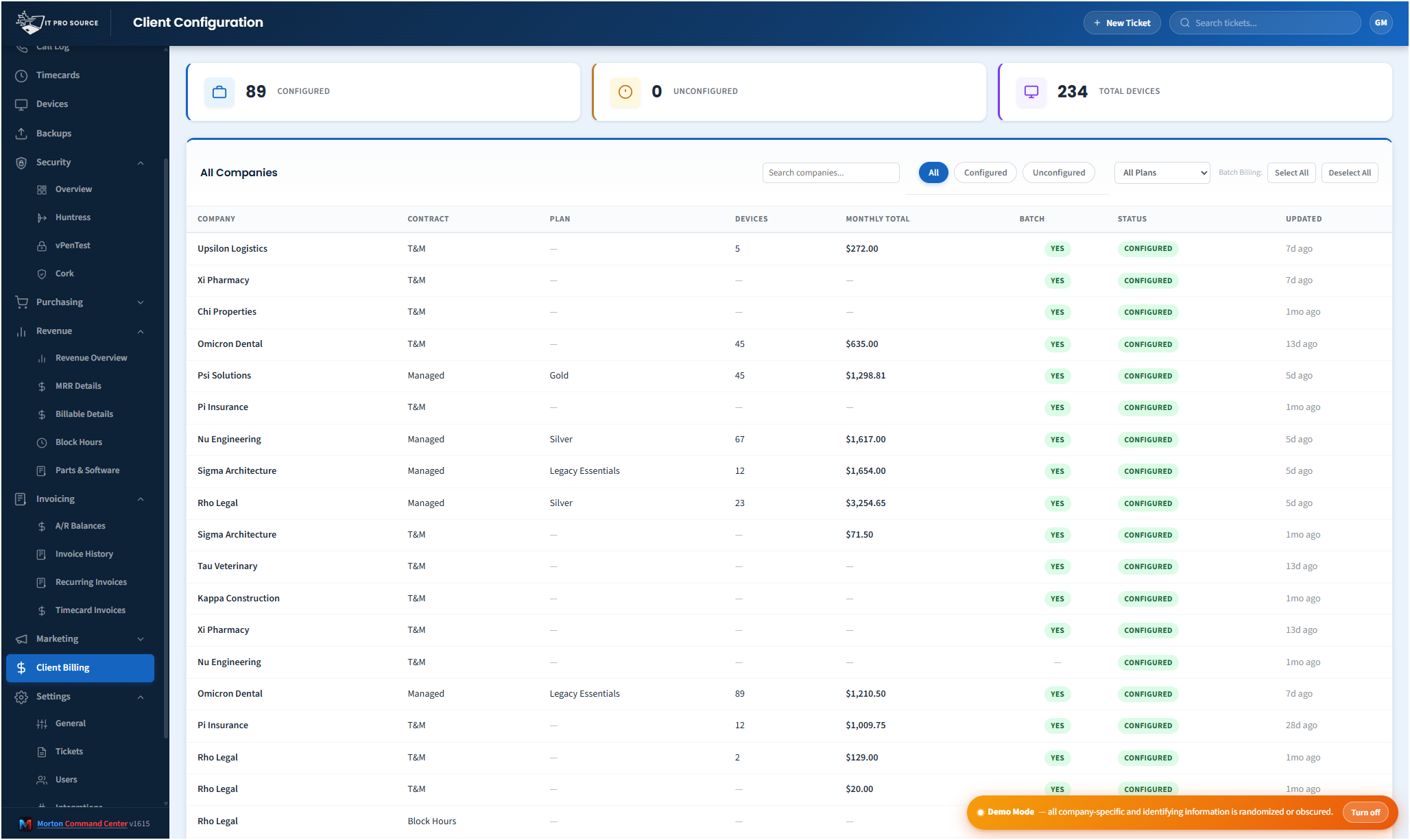
Time tracking only works if it actually shows up on invoices. Most MSPs use eBillity, Harvest, Toggl, or their PSA's built-in timer — and most then spend hours each month exporting time entries, classifying them, applying the right rate to each, handling after-hours multipliers, and typing the totals into QuickBooks. The cost of doing this badly is missed billable hours; the cost of doing it well is senior time.
Morton Command Center bridges your time tracker directly into your invoicing pipeline.
The bridge
- Daily time pull. Time entries flow into Command Center each day, mapped to the right client and matter.
- Rate logic applied. Per-tech rate, per-client rate, per-matter rate, per-activity rate — whatever your billing model uses, encoded once during the build.
- After-hours multipliers applied automatically to entries logged outside your defined business hours.
- Plan-included vs billable. If the customer's plan includes a monthly hours cap, the system tracks consumption and flags overage as billable.
- Project hours separated. Time on active projects rolls up into project-specific billing (T&M or milestone), separate from BAU support.
- Invoice-ready output. At month-end, time entries are pre-grouped by client into invoice line items — ready for review and push to QuickBooks.
Supported time trackers
eBillity is the most common (and what we built first — it's what ITPS uses internally). Harvest, Toggl, ClickTime, and the time modules in Freshdesk, ConnectWise, and Halo all have APIs we wire into during the build. If you're using a tracker not listed, it almost certainly has an API — we'll confirm during discovery.
The classification problem
The reason time tracking is painful is that raw time entries don't have all the context invoicing needs. Was the work for client A or client B? Was it BAU support or project work? Was it under the included-hours cap? Was it after hours? Who's paying for it (the customer, an internal cost, a warranty entry)?
Some of this comes from the time tracker (most have client/matter/activity fields). The rest comes from rules encoded in Command Center: which clients have plan caps, what their after-hours window is, how their project SOWs map to billable matters. Once those rules are in, classification is automatic and invoicing is mostly review-and-approve.
What this does to your billable capture rate
The MSPs we've worked with consistently discover, after time-tracking automation goes live, that they were under-capturing billable hours by 5-15% per month. Time entries that didn't make it onto invoices. After-hours work billed at standard rates because nobody flagged the multiplier. Project hours buried in BAU buckets. Recovering even half of that pays for the platform many times over.
Pricing
Morton Command Center uses transparent flat pricing. There is one build fee, one monthly hosting fee, and one monthly reserved-hours block — no per-seat surprises and no annual escalators tied to your team size.
- $5,500 one-time build. Your custom platform — discovery, integrations, branding, deployment.
- $350 / month flat hosting. Edge infrastructure, security patches, vendor API key management, uptime monitoring.
- $1,250 / month reserved hours. Ten reserved engineering hours every month for tweaks, new integrations, or feature requests. Unused hours roll over.
Founding Five pricing. The first five MSPs to sign on lock in this rate for the lifetime of their account. Standard pricing — for everyone after — is expected to be roughly 50% higher. Founding Five rates never change, even as the platform grows.
Related solutions
Morton Command Center is built around your specific stack. If this page resonates, these adjacent angles probably will too:
- Automated MSP Invoicing — The full invoicing pipeline.
- QuickBooks MSP Billing — How invoices push into QuickBooks.
- Pax8 + QuickBooks — License-reconciliation companion.
- MSP Operations Efficiency — Where the time savings show up.
Ready to talk?
The first call is a 30-minute discovery — we map your existing tools and workflows together, scope what a custom Command Center build would look like for your MSP, and decide whether the fit is right. No commitment, no sales pressure.
Questions first? Email [email protected] or read the FAQ.